































Hero Background

The narrowcasting software that just works.

Hero Shape

Manage all your screens centrally and show the right content at any moment.

No credit card required

Why Stremo

Your step into narrowcasting

Stremo makes narrowcasting easy: plan, manage, and display content wherever you are, hassle-free.

Experience Stremo in a few minutes

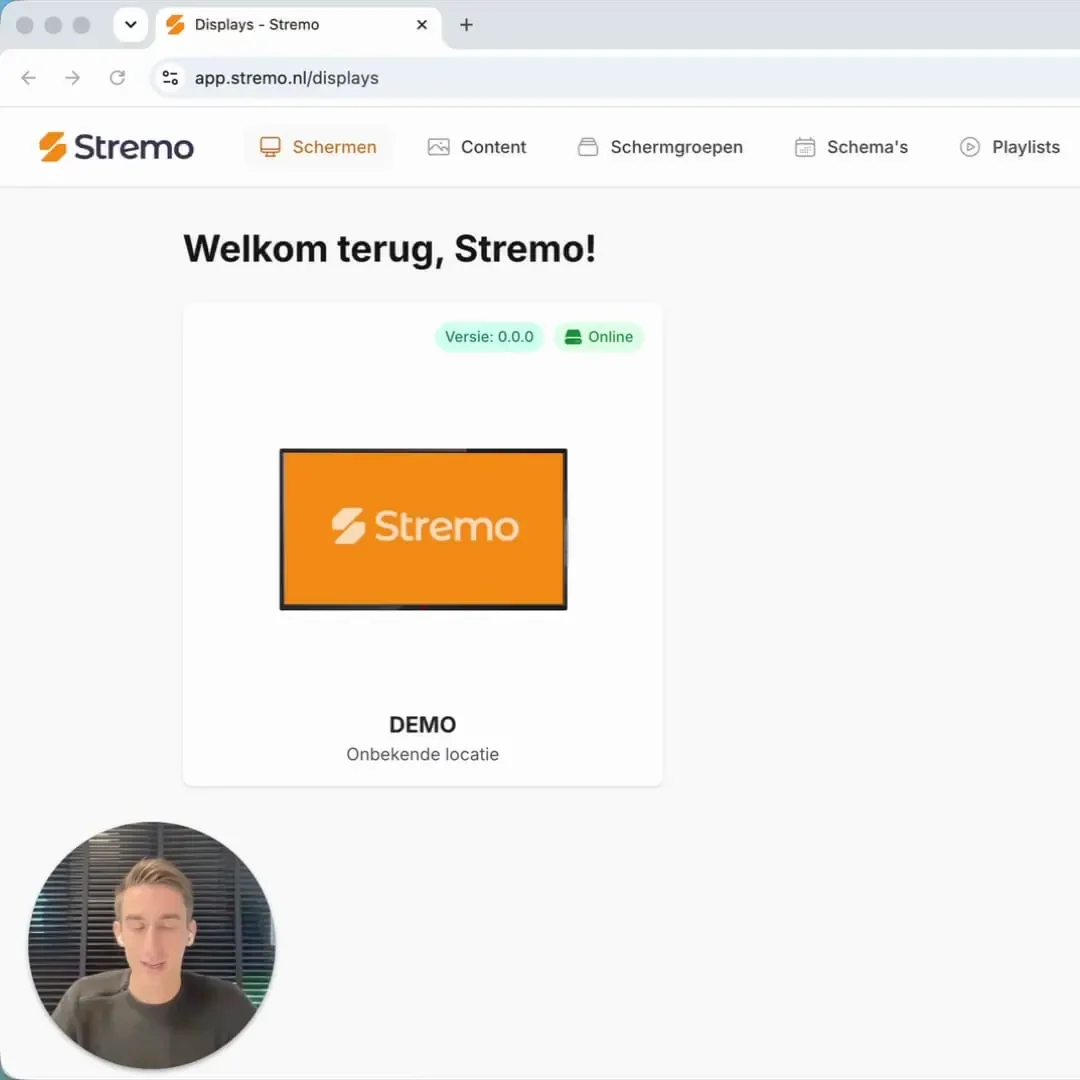
Click through the interactive demo and discover how you manage all your narrowcasting screens from one clear dashboard.

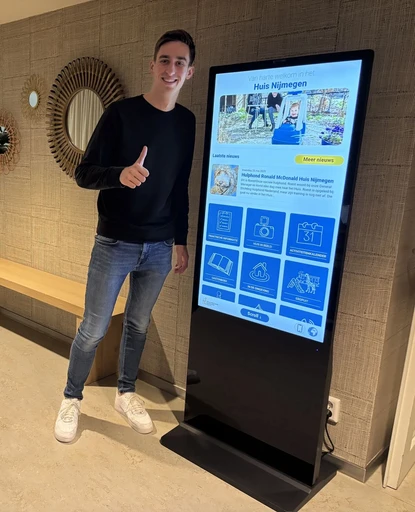
Visitors always feel welcome

Background Grid

The benefits

Discover the benefits of Stremo narrowcasting

Manage content smarter with Stremo: drag-and-drop scheduling, automatic updates, and always-relevant content without the hassle.

Feature Image

Always up-to-date content

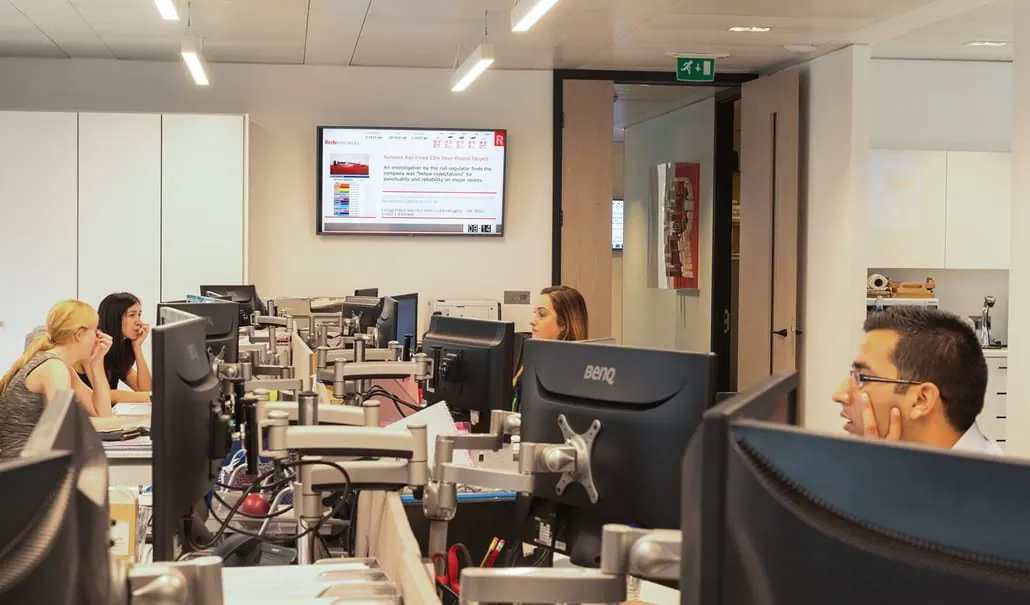
Updates are applied in real time across all screens. Perfect for news, daily schedules, reports, or internal announcements.

Everything in one solution

Stremo manages both the hardware and the software in-house, so you always have a single point of contact.

Professional and recognizable

Display information consistently in your own branding. That way your company always presents a strong, professional image.

Case studies

How customers use Stremo

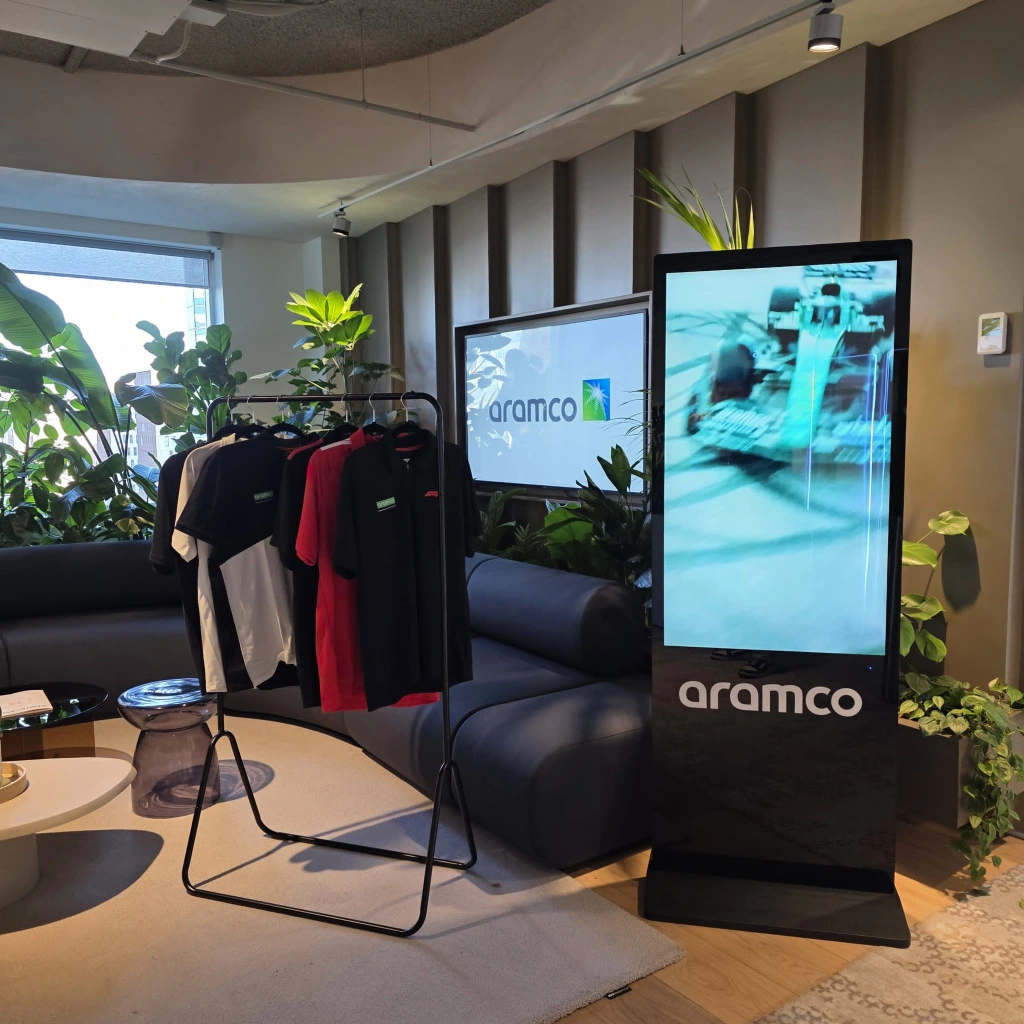
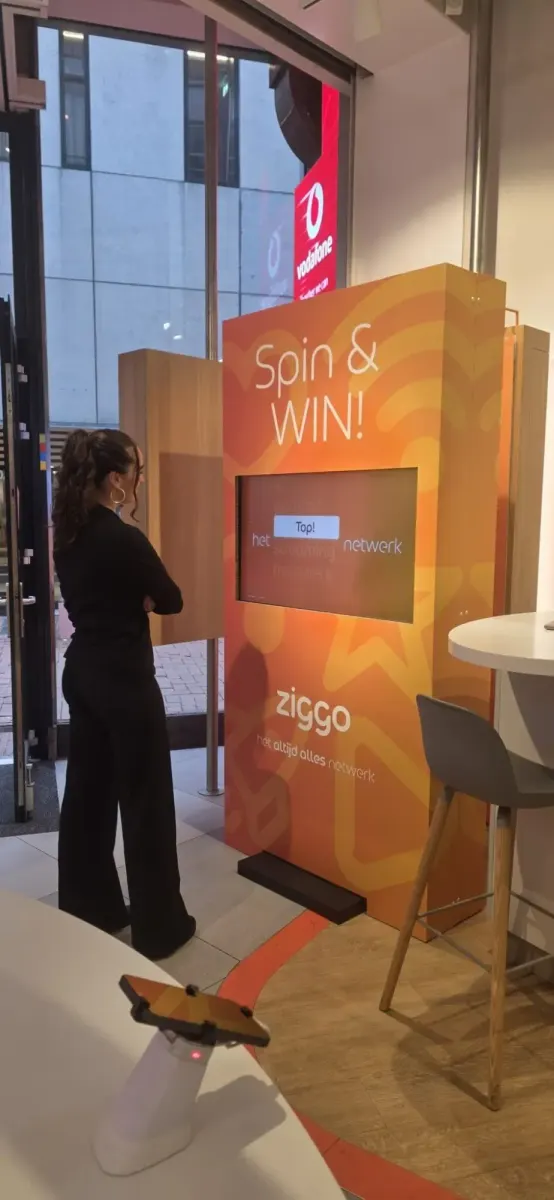
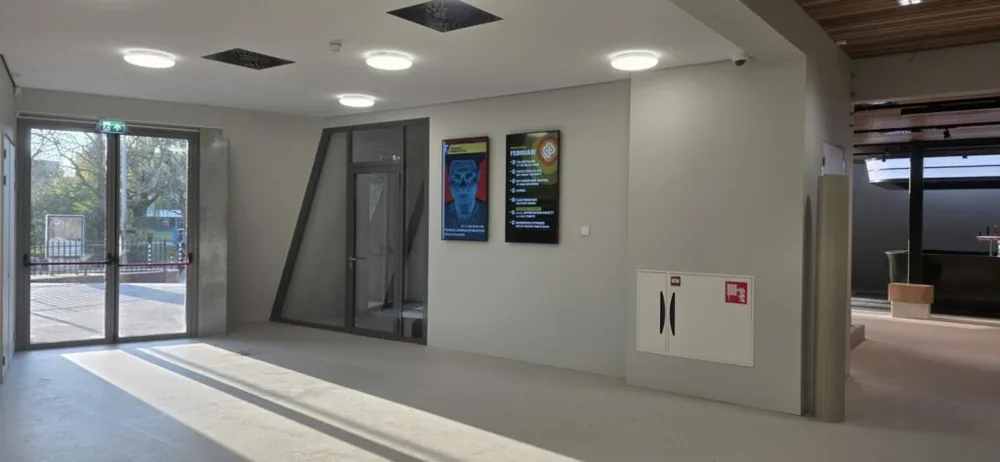
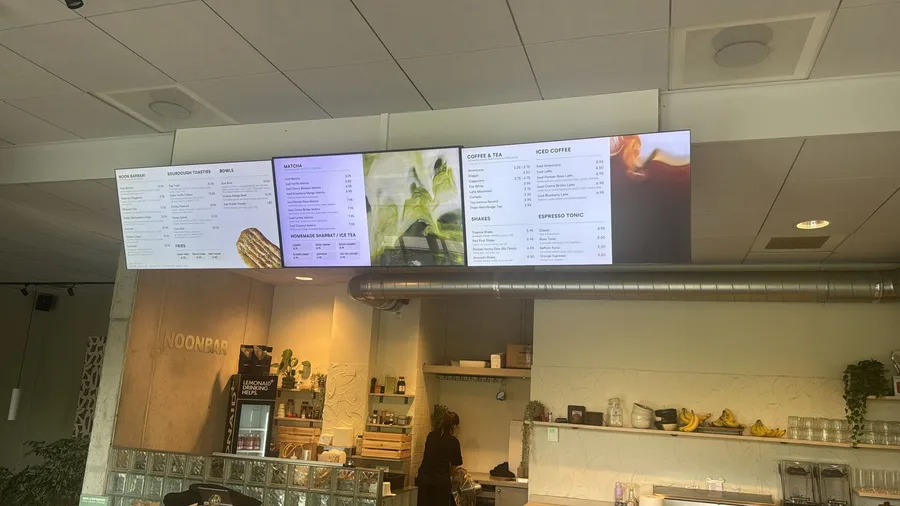
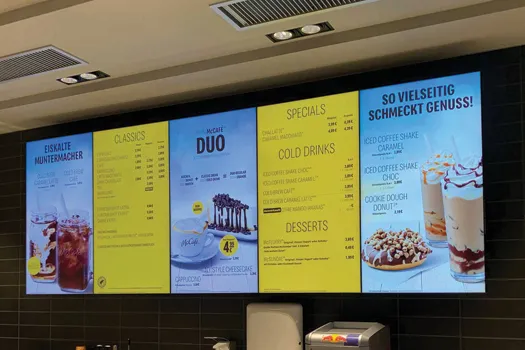
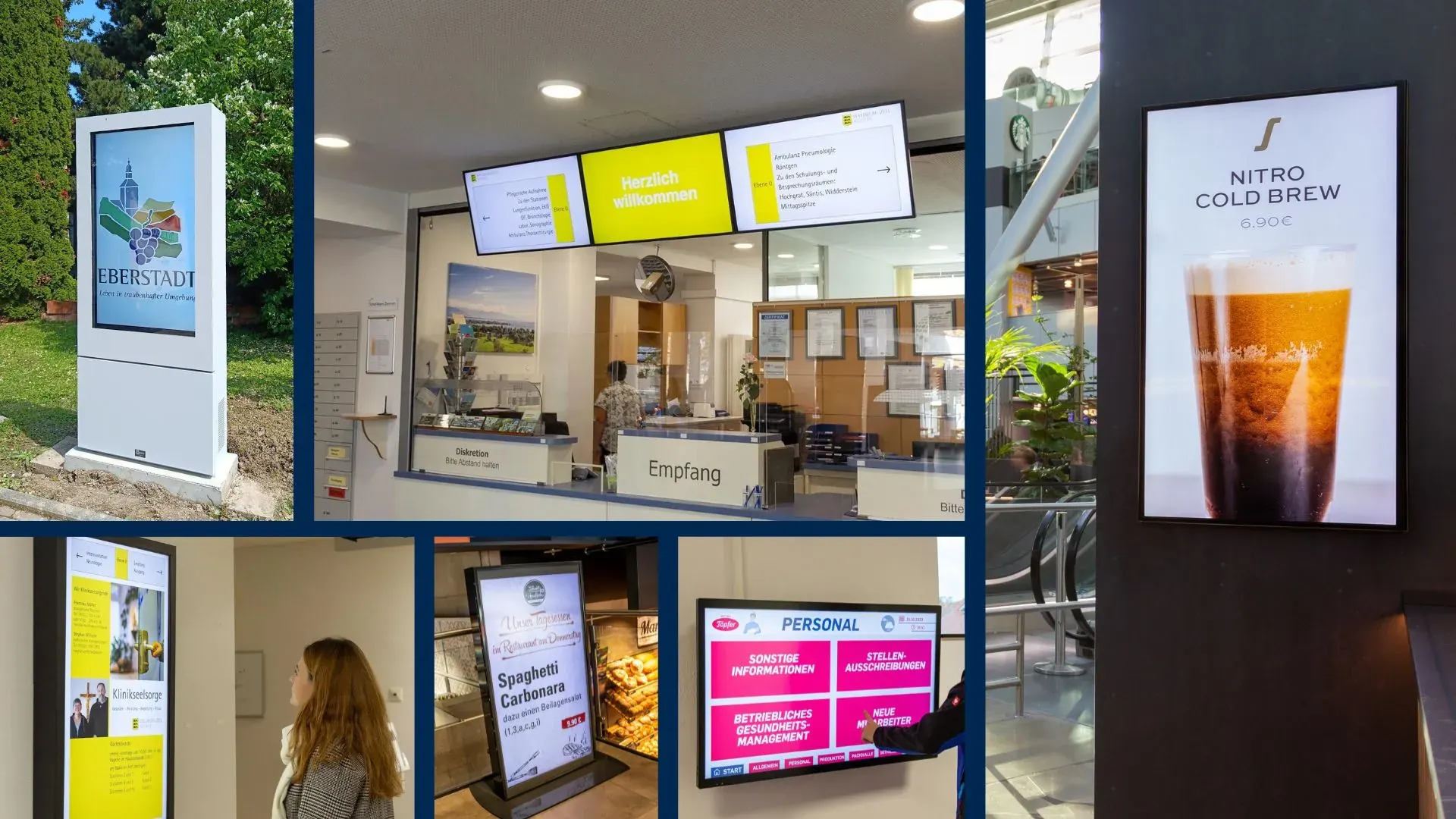
From shop floor to showroom and from hospitality to healthcare: see how organizations put their screens to work with Stremo.

Features

Everything you need for narrowcasting

Real-time management from one dashboard

From your browser you manage all screens at once, wherever you are. Change a slide and within seconds it's live on every connected display, fully automatically.

  • No USB sticks or walking around to screens

  • Update content while sitting at your desk

  • Monitor which screens are active

This saves time, prevents mistakes, and gives full control over all your screens.

Simple management & scheduling

Manage your screens clearly and schedule content effortlessly with drag-and-drop. Choose exactly which screen shows which content (down to the minute) without any technical knowledge.

  • Create weekly or daily schedules

  • Drag content into a time slot and you're done

  • Automatic repetition or one-time updates

With the planner you know exactly what runs where and always stay in control of your communication.

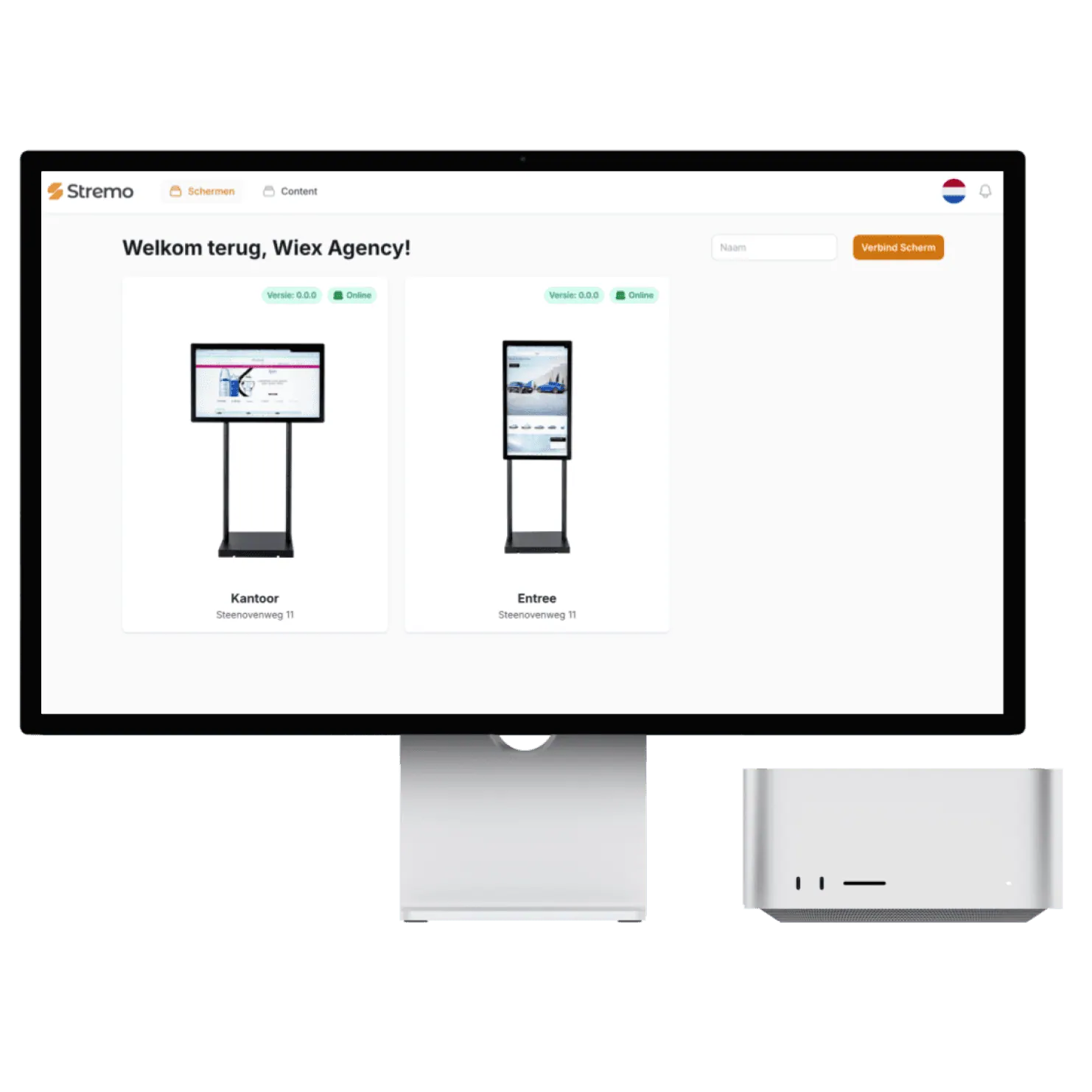
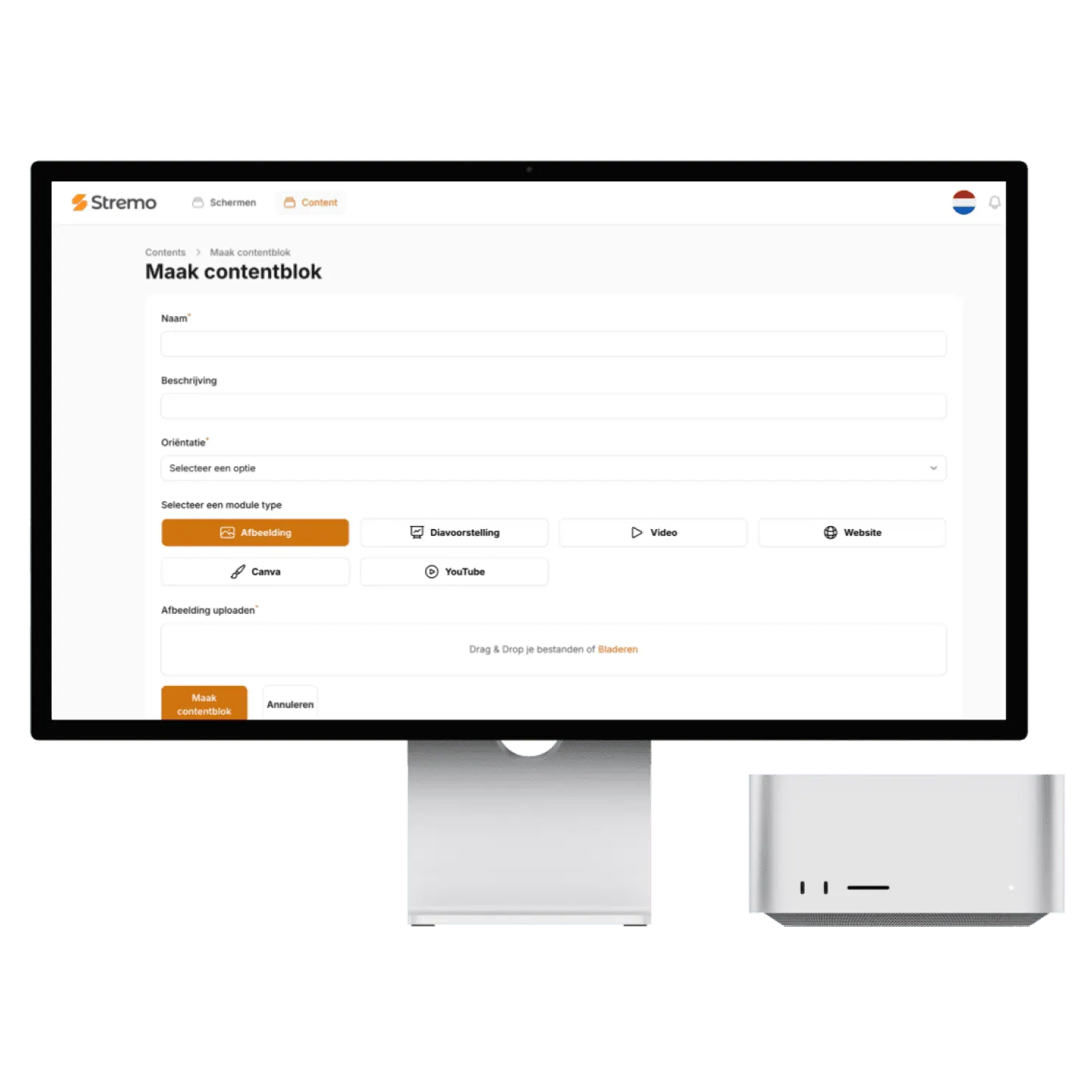
The Stremo dashboard with a connected screen

Works with your content & tools

Simply upload photos, videos, presentations, or real-time data from the systems you already use. You don't have to change your existing workflow — Stremo fits right in.

  • Supports PowerPoint, Google Slides, and more

  • Integrate it with Canva

  • Add real-time widgets (weather, clock, KPIs)

  • Create your own templates so it always matches your existing branding.

That's how you create professional content without extra work or learning new software.

Integrations

Connect with the tools you already use

App Logo
Interection Logo
App Logo
Interection Logo
App Logo
Interection Logo
App Logo
Interection Logo
App Logo
Interection Logo
App Logo
Interection Logo
App Logo
Interection Logo
App Logo
Interection Logo
App Logo
Interection Logo
App Logo
Interection Logo
Work Image

Thanks to Stremo we've given our organization a modern look. Our screens now always show up-to-date content, fully in our branding.

Author

Mike van der Born

Wiex Agency

How it works?

Get started today — here's how it works:

With Stremo you easily take the step to professional screen communication. Here's what the process looks like:

1. Create an account

Create an account and get instant access to the dashboard. No installation required.

2. Connect a screen

Connect a screen via our app or Stremo Player. Ready to use within a minute.

3. Set up your content

Drag your presentation, video, or schedule onto the screen. Instantly visible in the right layout.

4. Publish in real time

Select the content on the screens you want — it goes live instantly, no hassle with USB sticks.

Background Blush
4,6/5Trustpilot

What customers say about Stremo

From hospitality to healthcare and education: organizations in every industry run their screens smartly with Stremo.

★★★★★

"Within an afternoon our first slide was on the screen. The templates are a huge time-saver and everything stays neatly in our branding."

Sander MeijerMarketing, De Boshoeve
★★★★★

"I had no design experience at all, but the drag-and-drop is self-explanatory. We now update our offers ourselves every day."

Rianne VermeulenOwner, Café Central
★★★★★

"The real-time widgets are worth their weight in gold. The weather and our social feed stay automatically up to date on every screen in the venue."

Jesse BakkerOperations, FitClub Noord
★★★★☆

"Great that we could reuse our existing Canva designs. We didn't have to start over and were live quickly."

Tom de KoningCommunications, Gemeente Velp
★★★★★

"With the playlists our content runs in exactly the right order. I set it once and never think about it again."

Nina GrootMarketing, Wellnessresort Duinzicht
★★★★★

"Thanks to the user roles, each location can manage its own screen while we keep central oversight. Ideal."

Bas WillemseIT management, RetailPunt
★★★★★

"With the monitoring I immediately see when a screen goes offline. Before, I'd find out far too late."

Arjen de WitFacilities, Onderwijsgroep Zuid
★★★★★

"All our photos and videos are neatly organized in the media library. Finding and reusing them is effortless now."

Ramon SilvaContent, Sporthal De Kamp
★★★★★

"Scheduling content by time of day works just like a calendar. Something different in the morning than in the afternoon, fully automatic."

Ivo JansenManager, Grand Hotel Central
★★★★★

"The integrations with our existing tools saved us a huge amount of work. Everything talks to each other without any hassle."

Jeroen MaasDirector, Bouwbedrijf Terra
Our pricing

Flexible plans for your organization

Our narrowcasting software is always tailored, so we deliver a solution that fits your needs. All prices exclude hardware.

Save ~20%

Free trial

For businesses that want a simple start with narrowcasting.

14 days free
Discover what's possible

Features

  • Stream to one screen
  • Use of basic modules (images and videos)
  • Manage 1 screen at a time
  • Stremo ad (1 slide + watermark)

Stremo Enterprise

More options and flexibility for your narrowcasting environment.

On request
Request a quote

Plus plan plus

  • Everything in Basic
  • Available from 10+ screens
  • Custom modules and integrations
  • Includes a permissions structure and multiple locations, with on-site delivery and installation

Curious how this compares to other solutions? Read what narrowcasting costs.

Background Blush

Our pricing

Transparent and flexible, no surprises.

Choose the plan that fits your situation. You pay per screen and can scale up at any time. Software and support included.

Save ~ 20%

Arrow Icon

Monthly

Annually

Free trial

For businesses that want a simple start with narrowcasting.

14 days free
Features
Icon

Stream to one screen

Icon

Use of basic modules (images and videos)

Icon

Manage 1 screen at a time

Icon

Stremo ad (1 slide + watermark)

Stremo Basic

For businesses that want to get the most out of their narrowcasting.

€12,95
/month
Basic plan plus
Icon

Unlimited content switching

Icon

Multilingual content support

Icon

Access to all modules

Icon

Stream to multiple screens (price is per screen)

Most popular

Stremo Enterprise

For organizations with 10+ screens that need centralized content management.

On request
Plus plan plus
Icon

Everything in Basic

Icon

Available from 10+ screens

Icon

Custom modules and integrations

Icon

Includes a permissions structure and multiple locations, with on-site delivery and installation

FAQ

Always an answer to your questions

General

Businesses

1. What is Stremo?
Plus

Stremo is a narrowcasting system that lets you easily manage your content on your display.

2. How does Stremo work?
Plus

With the narrowcasting software you can easily put content on your display. Excellent for advertising, showing your calendar, the latest news, and more.

3. What benefits does Stremo offer?
Plus

Stremo makes sure key information is clearly visible to everyone. You can narrowcast all kinds of things so employees, customers, and everyone can see what they need to see.

4. Can Stremo be integrated with other systems?
Plus

Yes, Stremo can be integrated with access systems, meeting room booking, internal communication platforms, and more.

5. Is Stremo suitable for both small and large organizations?
Plus

Yes, Stremo is scalable and works in a small office as well as in large corporate complexes.

Didn't find your answer? Our team is happy to help.

Background Pattern