Sep 28, 2026
What is narrowcasting? Everything you need to know
What is narrowcasting and how does it work? Discover the meaning, examples, and benefits of narrowcasting for your organization.
You see them more and more: screens in the waiting room, digital menu boards in hospitality, or a screen with news and figures at the office. The technology behind it is called narrowcasting. But what exactly is narrowcasting, how does it work, and what can you do with it? In this article we explain it from A to Z, without technical jargon, so you'll know right away whether it's right for your organization.
What is narrowcasting? The meaning
Narrowcasting is the targeted display of digital content on one or more screens, in a specific location and to a specific audience. Think of a screen in your business showing promotions, or an information screen in a school lobby displaying schedule changes. The meaning is right there in the word: 'narrow' versus 'broad.' You're not broadcasting to everyone, but to a defined group in the right place and at the right time.
Narrowcasting is also known as digital signage. In practice, people mean the same thing: screens that you manage centrally and fill with up-to-date content.
Narrowcasting vs. broadcasting: what's the difference?
The easiest way to understand narrowcasting is to compare it with broadcasting. With broadcasting (think of television), the same signal goes out to a large, general audience. With narrowcasting, you decide exactly what appears on which screen, in which location, and at which time. So you can show a breakfast menu in the morning and the lunch menu in the afternoon, or display different news at location A than at location B. That control is what makes narrowcasting so powerful for businesses and institutions.
How does narrowcasting work?
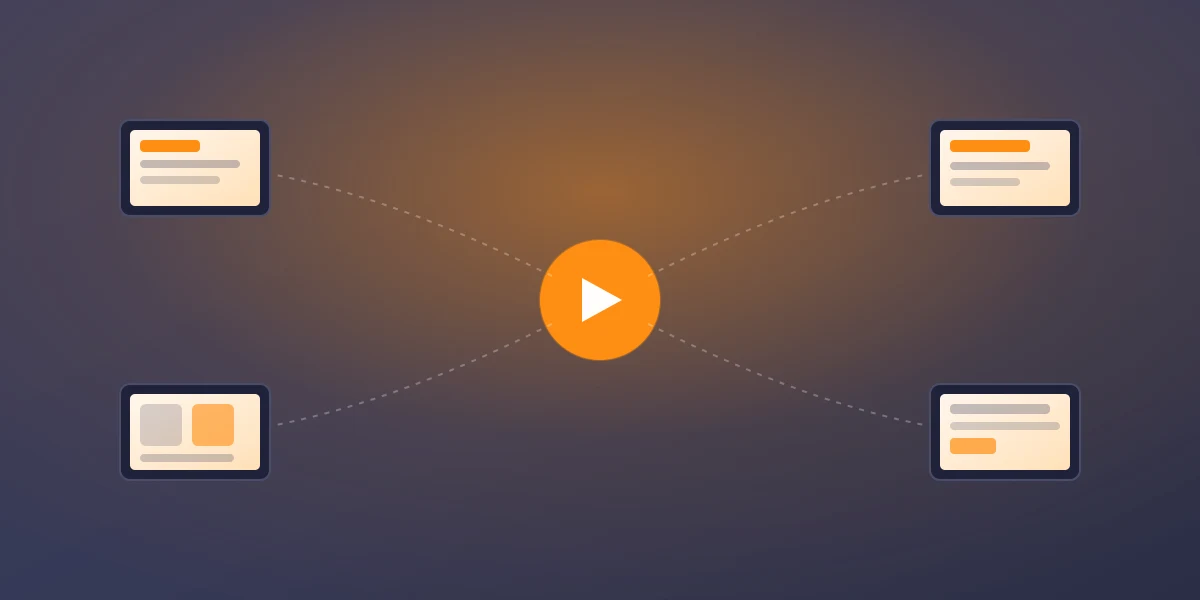
A narrowcasting system consists of three parts: a screen, a player (which puts the content on the screen), and software to manage everything. With modern narrowcasting software, you handle everything from your browser:
- Create or connect content: upload your own images and video, or connect sources such as Google Reviews, Instagram, a calendar, or a Power BI dashboard.
- Schedule: use daily and weekly schedules to set what appears when, per screen or per location.
- Publish: your changes appear within seconds on all connected screens, wherever they are.
You don't need any technical knowledge. Everything happens centrally and remotely, whether you have one screen or a hundred.
What can you show with narrowcasting?
Just about anything your audience needs to know. Popular examples include digital menu and price boards, company news and KPIs, deals and promotions, queue and welcome screens, social media posts, schedules and calendars, and safety or evacuation information. Because you can connect live sources, the information is always up to date without any manual updating.
Narrowcasting by industry: examples
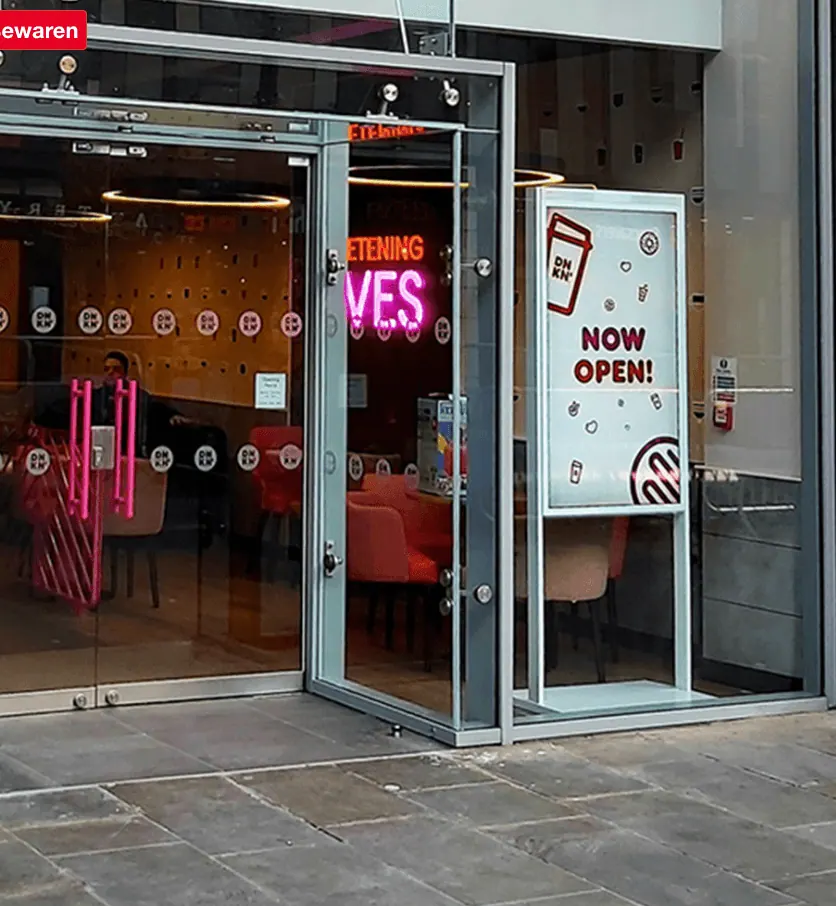
- Hospitality: digital menu boards that change by time of day and show daily specials.
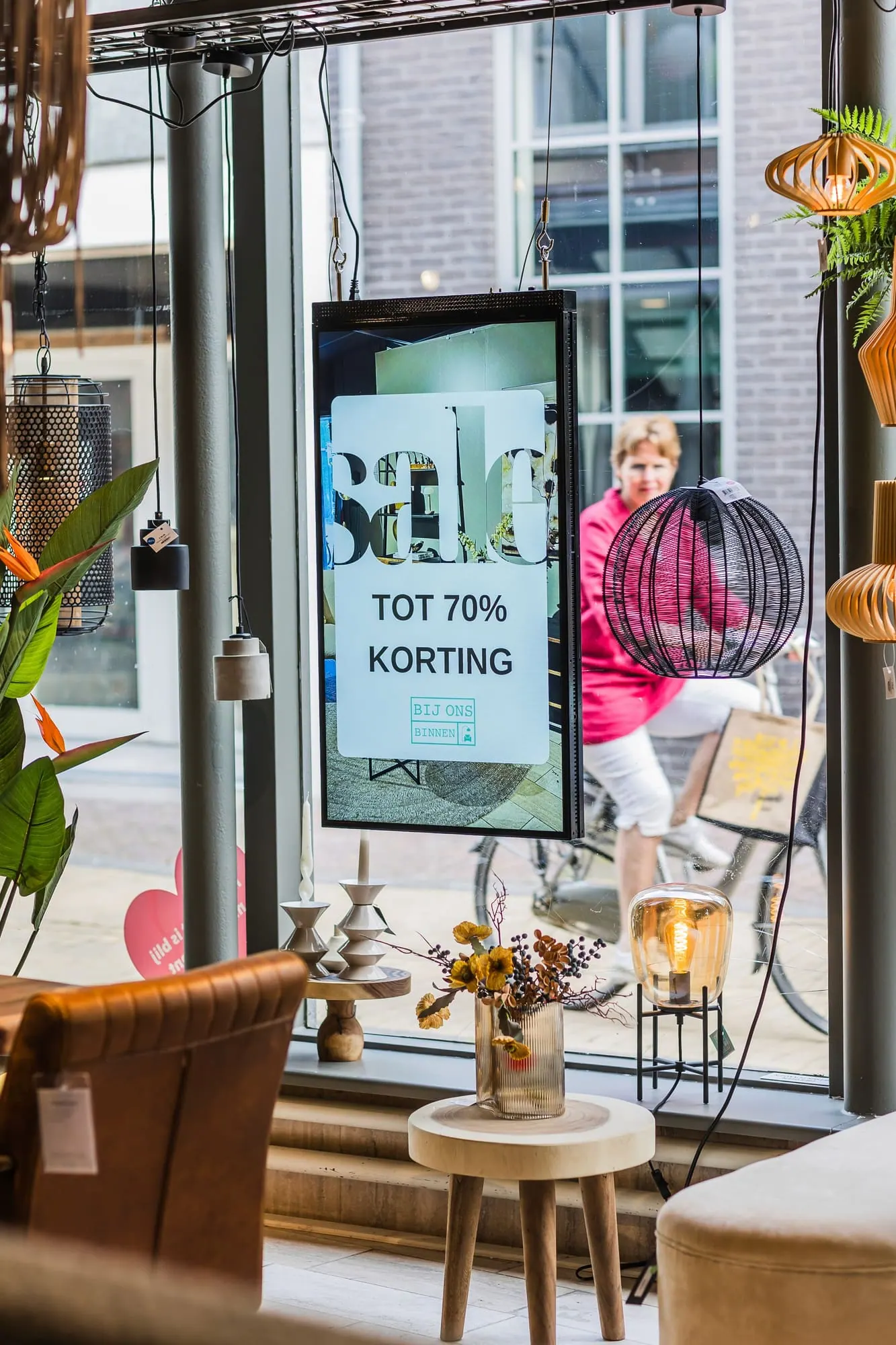
- Retail: promotions and product information that win customers over in the store.
- Healthcare: clear information for patients and visitors in the waiting area.
- Office: internal communications, figures, and announcements that employees actually see.
- Education: schedule changes and school news on every screen in the building.
- Sports & fitness: class schedules, club news, and extra promotions in the cafeteria or hall.
The benefits of narrowcasting
Why do so many organizations choose narrowcasting? The information is always current, you manage everything centrally and remotely, and digital screens stand out more than a paper poster nobody reads anymore. On top of that, you save on printing and keep your image professional and consistent. In short: you communicate faster, more precisely, and more affordably.
Which sources can you connect?
A big advantage of narrowcasting is that you don't have to create everything by hand. You connect existing sources so your screen updates itself. Commonly used integrations include:
- Google Reviews: automatically showcase your best customer reviews.
- Social media: show your latest posts from Instagram, for example, on the screen.
- Calendars and schedules: connect Google Calendar or a schedule and always show the current planning.
- Dashboards: visualize KPIs and figures directly from Power BI or a spreadsheet, for example.
- News and weather: add an RSS news feed or the weather forecast for a lively screen.
Because these sources load live, your content stays current without any effort. You'll find an overview of all the options on our integrations page.
What does narrowcasting cost?
The cost of narrowcasting consists of two parts: the screen (or a player) and the software. For the screen, you can often reuse an existing TV, which keeps the entry cost low. For the software, Stremo works with clear subscription plans: there's a free starter version to try out, the Basic costs €9.95 per month per screen, and for multiple screens or locations there's a Multi plan available on request. Because you save on printing and manual updating, a screen often pays for itself faster than you'd think.
What should you look for when choosing narrowcasting software?
Not every system is the same. When making your choice, pay particular attention to these points:
- Browser-based management: can you handle everything from your browser, without installing anything?
- Schedule: can you use daily and weekly schedules to determine what appears when?
- Integrations: are the sources you use (calendar, reviews, dashboards) available?
- Multiple locations: can you control screens in different places separately from one environment?
- Price per screen: is the pricing transparent and does it scale with your growth?
Want to dig deeper into this? In our article on choosing a narrowcasting system we lay out the considerations one by one.
What do you need to get started?
Surprisingly little. You need a screen (often an existing TV will do), an internet connection, and narrowcasting software. Many screens can be connected directly via an app or a small player. On our how it works page you'll read exactly which screens are suitable and how to go live in a few minutes.
Getting started with narrowcasting
Narrowcasting is no longer reserved for large companies with expensive installations. With modern, browser-based software, you can put your first screen live today, whether you run a restaurant, a practice, a school, or an office. Start small with one screen and expand as you notice how much calm and clarity it gives you.
Frequently asked questions about narrowcasting
What's the difference between narrowcasting and digital signage?
In practice, nothing. 'Digital signage' is the international term, while 'narrowcasting' is used mainly in the Netherlands and Belgium. Both describe the same thing: digital screens that you manage centrally and fill with targeted content.
Do I need technical knowledge for narrowcasting?
No. With modern narrowcasting software, you manage everything through your browser with a clear dashboard. Uploading, scheduling, and publishing content requires no programming knowledge. Connecting sources like Google Reviews or a calendar also takes just a few clicks.
Is narrowcasting suitable for small businesses too?
Absolutely. Narrowcasting has become especially accessible for small business owners: you start with one screen (often an existing TV) and an affordable subscription, with no technical knowledge. Think of a hair salon, a practice, or a lunchroom showing deals and information on a single screen. You only expand when you want to.